Dating & meeting safety
How to verify someone you met online before meeting
To verify someone you met online, check that their photos and profile are consistent, see them live on a video call, and for anything that matters, ask them to verify their identity before you meet. Together those checks tell you far more than any one of them.
If you've met someone through a dating app, social media, Marketplace or anywhere else online, a profile can look completely genuine and still tell you very little about the person you're about to meet. Here's how to check who you're meeting.
Still working out whether they exist at all? Start with how to check if someone online is real.

Start with the profile itself
Look at the account as a whole, rather than relying on one photo or a convincing conversation.
Does the account have some history? Do their photos look consistent? Does what they're telling you match what you can actually see?
A new or fairly empty account isn't automatically suspicious. Plenty of real people barely use social media. What matters is whether things start to contradict each other or simply don't add up.
Check their photos
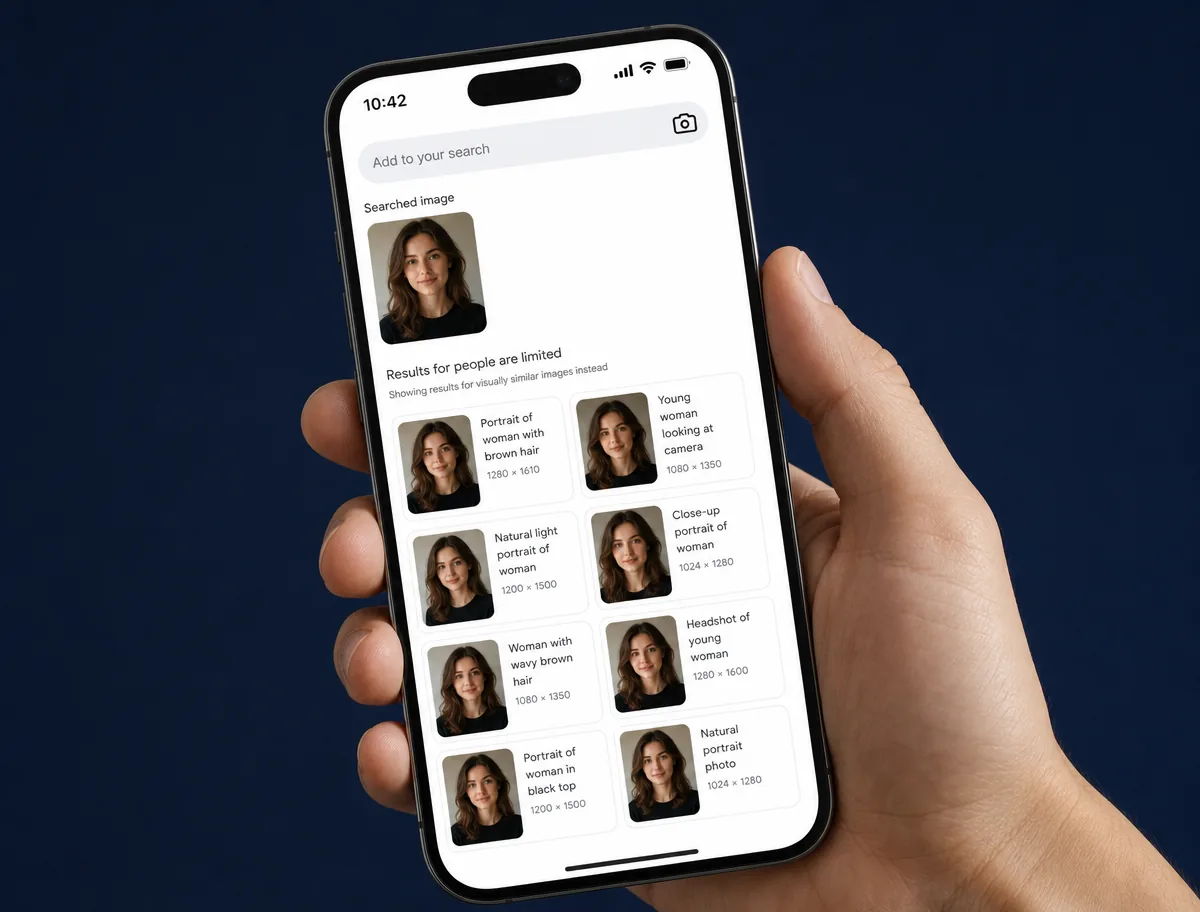
A reverse image search can sometimes tell you whether a profile photo appears elsewhere online.
If the same photo belongs to someone with a different name, appears across unrelated accounts, or has clearly been taken from somewhere else, that's a good reason to stop and ask questions.
It isn't a perfect test. Not finding a photo elsewhere doesn't prove that it's genuine.
Ask to see them live
A quick video call can be useful because you're seeing the person in real time rather than relying on photos they've chosen to send you.
Repeated excuses for why someone can't appear on camera can be a warning sign, particularly when other things about the profile already seem off.
Video isn't foolproof either. It can tell you that you're speaking to the person you can see on screen, but it doesn't necessarily establish everything else they've told you about themselves.
How to verify a person's identity online
Photos and video tell you what someone looks like. They don't tell you who that person legally is. For that you need identity verification: a government-issued ID checked against a live face, so the person holding the ID is the person completing the check.
You can't do that properly yourself. Asking a stranger to send a photo of their passport or licence exposes their document to you, and a photo of an ID is easy to fake or steal. Identity checks are best handled by a specialist provider, with only the result shared.
A verified identity is a strong signal that someone is who they say they are. It is not a background check, and it doesn't tell you anything about their history or intentions.
Be careful how much information you give away
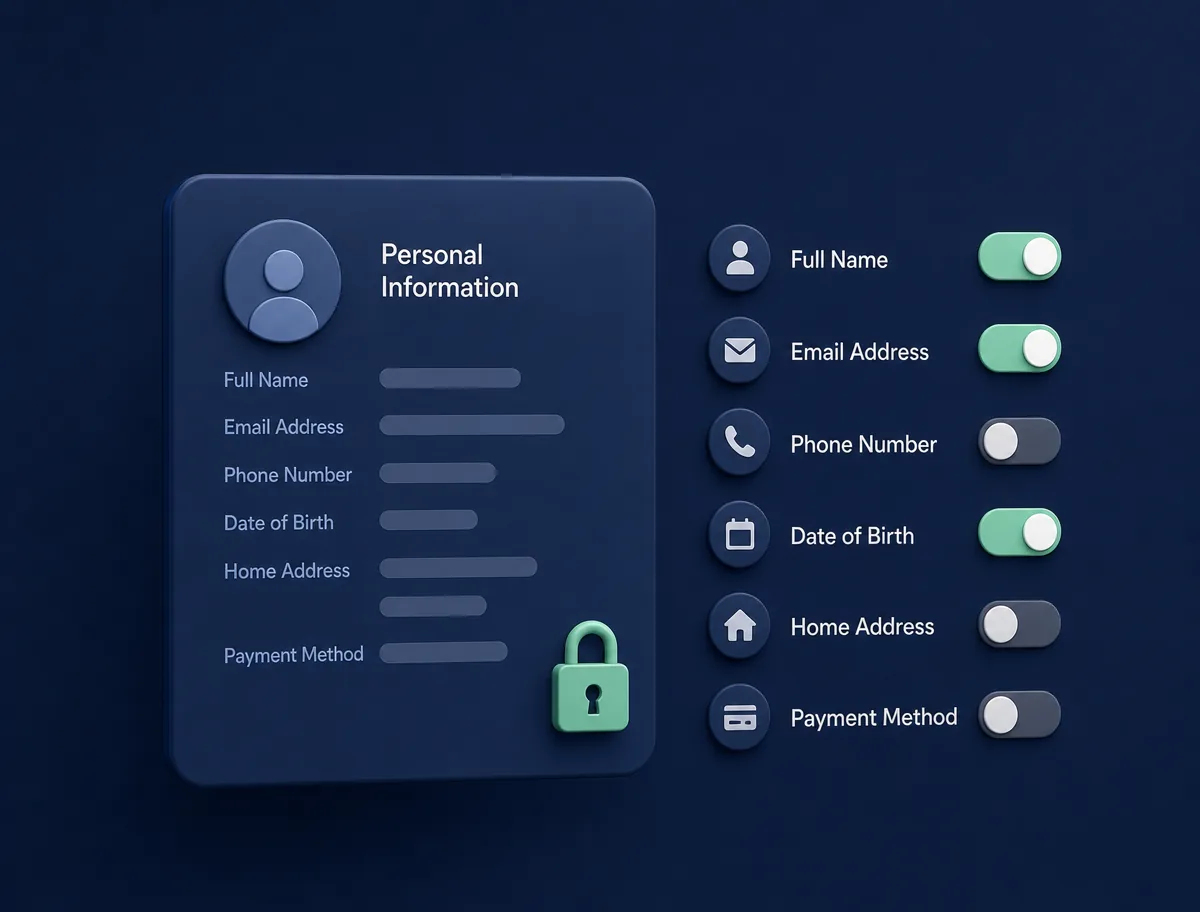
Trying to establish who someone else is shouldn't mean handing over a pile of information about yourself.
Be cautious about sharing things like your home address, workplace, full date of birth, financial information or identity documents with somebody you haven't met.
You can check someone without giving them unrestricted access to your own personal information.
Ask them to verify themselves before meeting
If you're actually planning to meet, you may want something more direct than searching their photos and scrolling through their social accounts.
That's what a NoStrangers Trust Request is for.
You send the person you've connected with a Trust Request. They complete a live verification before the meeting and choose what verified information they want to share back with you.
You can verify yourself before sending the request too, although you don't have to. Here's how to send someone a verification request.
The idea is simple. Instead of trying to work out who is behind a profile from clues scattered across the internet, you can ask the person directly.
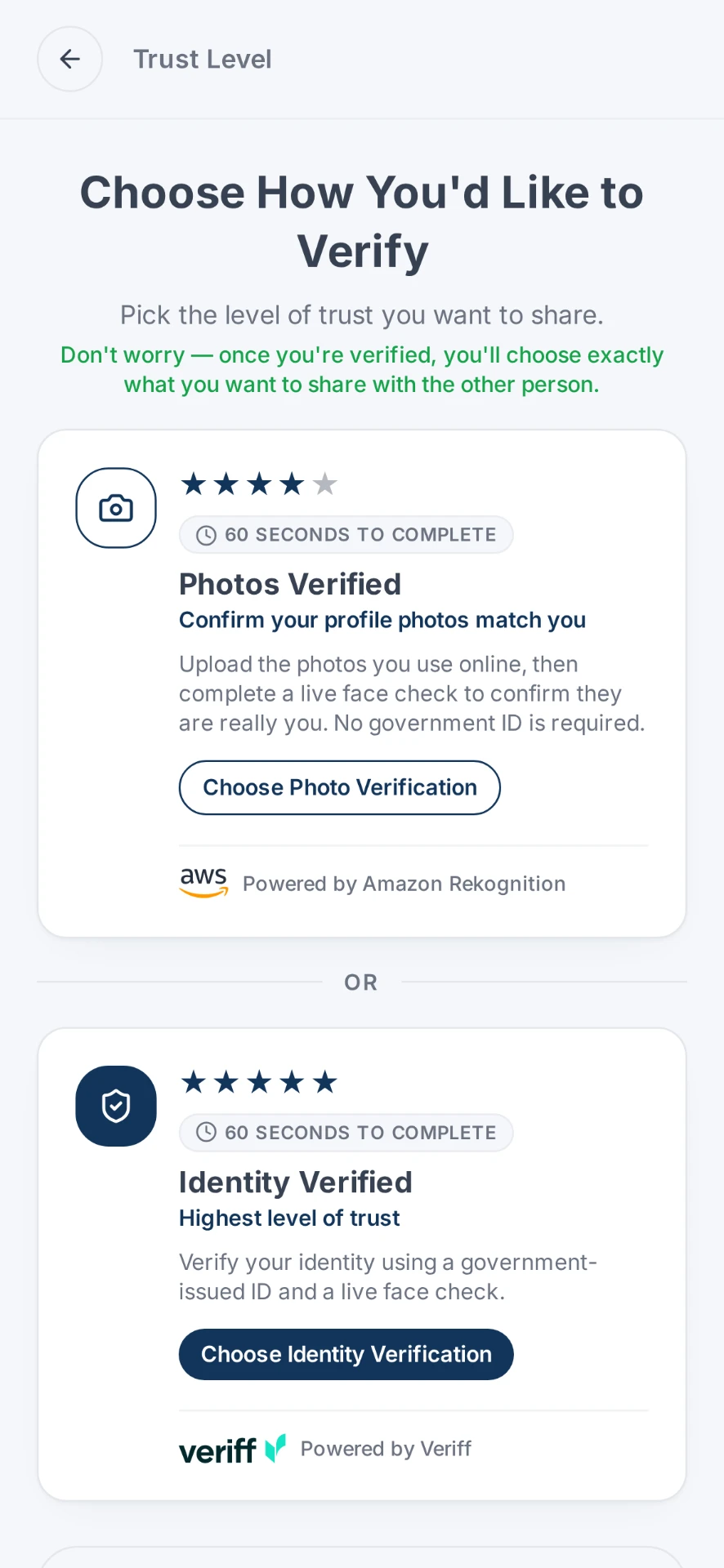
Photos Verified
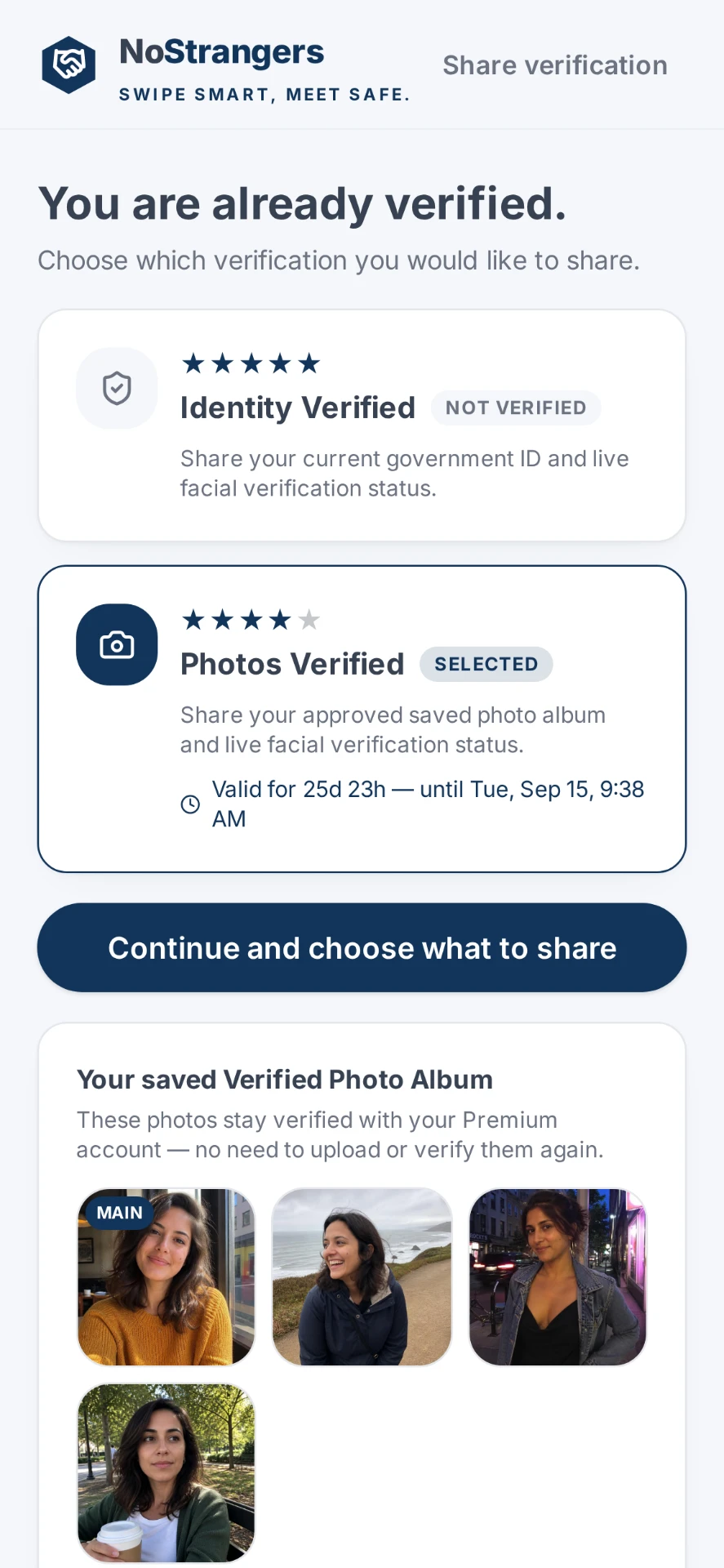
Identity Verified
What can a Trust Request tell you?
Depending on the verification method and what the other person chooses to share, a Trust Request can help establish that there is a real person behind the online profile and that the photos being presented belong to the person completing the live check.
NoStrangers also lets people choose what verified information they share with each other.
The underlying checks are handled by established verification providers. NoStrangers is designed so you don't have to send your identity documents or personal information directly to the stranger you're meeting.
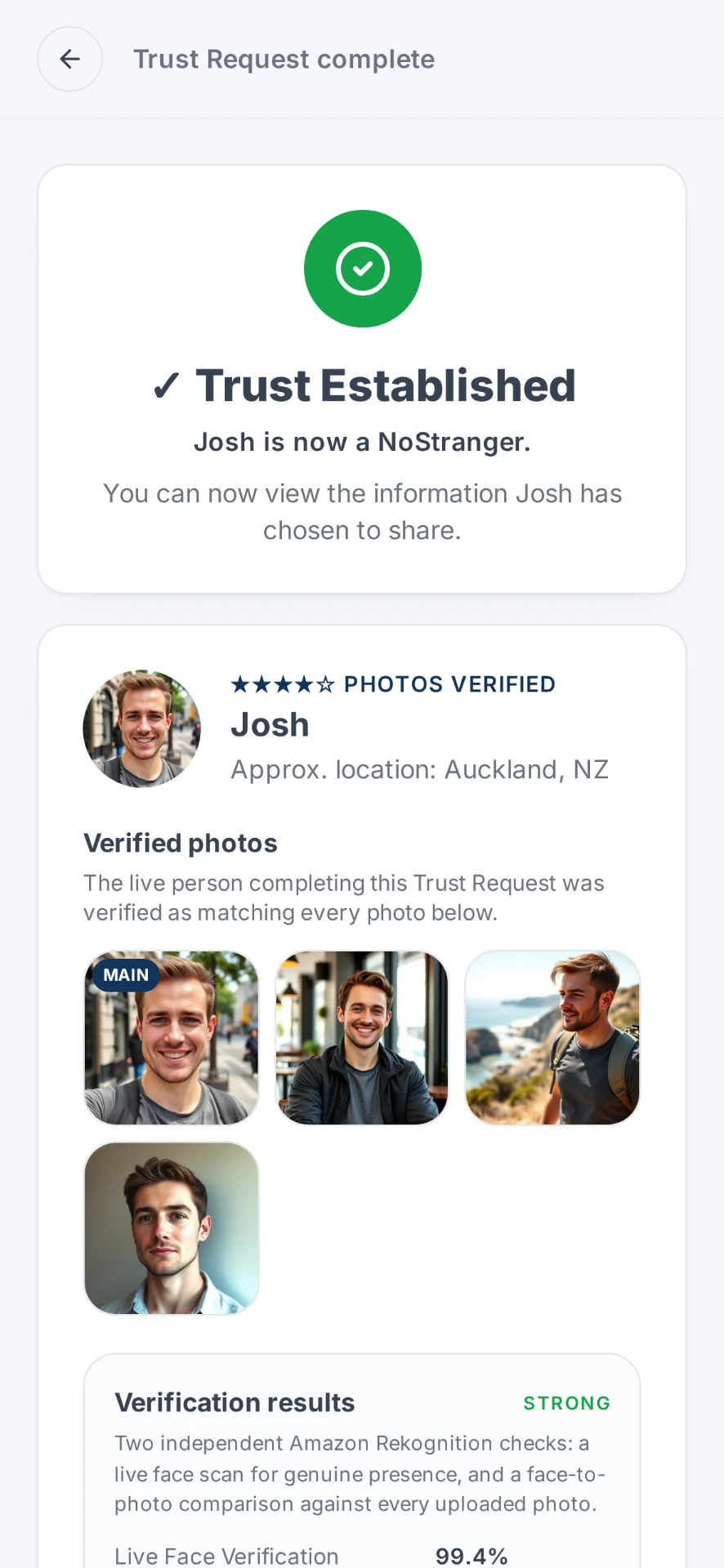
Trust established
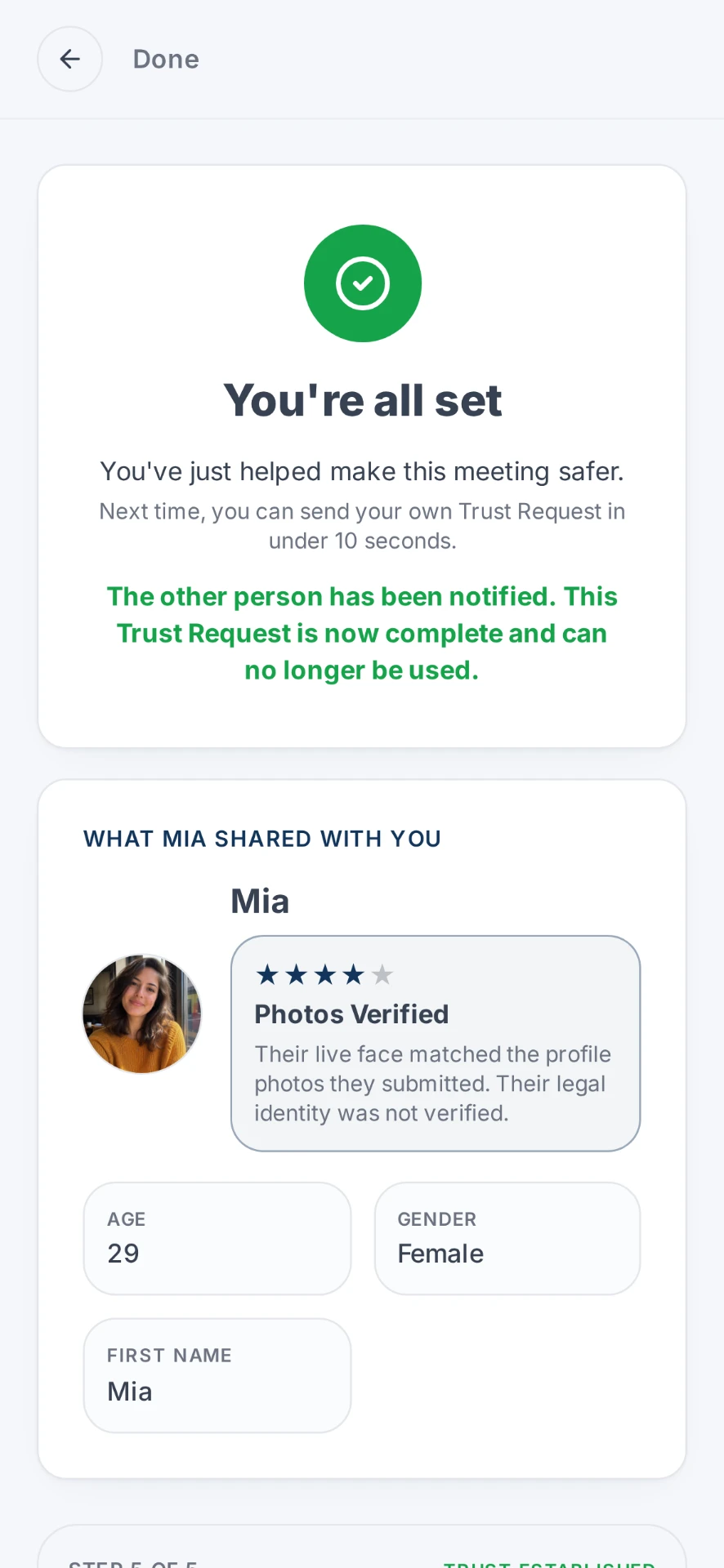
What they chose to share
What doesn't verification tell you?
Verification isn't a guarantee that somebody is safe, trustworthy or someone you'll want to meet.
A real identity doesn't tell you a person's intentions.
Think of verification as one more piece of information you can have before deciding whether you're comfortable meeting someone.
If something feels wrong, you don't owe somebody a meeting just because they've verified themselves.
Should I background check someone I met online?
It depends what you're trying to find out. Identity verification and background checks answer different questions, and they're easy to confuse.
Identity verification helps establish whether someone is who they claim to be. A background check looks into separate historical records, and what it can cover depends on the provider, the country and the law where you live.
NoStrangers is not a background check. It does not check criminal history, credit history, character, qualifications, intentions or future behaviour. For most first meetings, the question people actually have is simpler: is this the person I've been talking to? That's what verifying someone online answers.
If you decide to meet
Knowing who you're meeting is useful, but normal meeting precautions still matter.
For a first meeting, consider meeting somewhere public, letting someone you trust know where you're going, keeping control of your own transport, and being careful about inviting someone directly to your home.
If the situation changes or you're no longer comfortable, you can change your mind.

The point isn't to investigate everyone you meet
Most people you meet online are exactly who they say they are.
The problem is that an online profile by itself doesn't give you a reliable way to tell the difference.
You don't need to turn a date or Marketplace pickup into a background investigation. Sometimes you just want a reasonable way to establish that the person you're about to meet is the person you've been talking to.
That's the problem NoStrangers was built to solve.
If something already feels off about the person you're talking to, you can also read How to tell if you're being catfished.
If you've already arranged to meet, see Meeting someone from a dating app for the first time.
More questions? Read the FAQ.
Fake profiles have also been used to arrange real-world attacks, see When a fake dating profile becomes a real-world threat.
More safety guides are available in the Safety section.
Real stories, cases and guidance
Reporting and official guidance from external publishers. Links open in a new tab.
New Zealand Police
Safety advice
Police guidance for dating websites, covering fake identities, photos, private information and meeting in person.
Read on New Zealand PoliceNew Zealand Police
Auckland Police remind the public to think of safety and their responsibilities when using dating apps this summer
An Auckland Police reminder about personal safety when arranging dating app meetings.
Read on New Zealand PoliceNew Zealand Police · 12 May 2026
Police urge caution to dating app users, Southland
Southland Police urge dating app users to take care after reported offending.
Read on New Zealand Police1News · 15 Aug 2026
Man lured via fake dating app profile in suspected homophobic attack
A Christchurch man describes being attacked after arranging a meeting through a Grindr profile.
Read on 1NewsRNZ / Open Justice · 19 Dec 2025
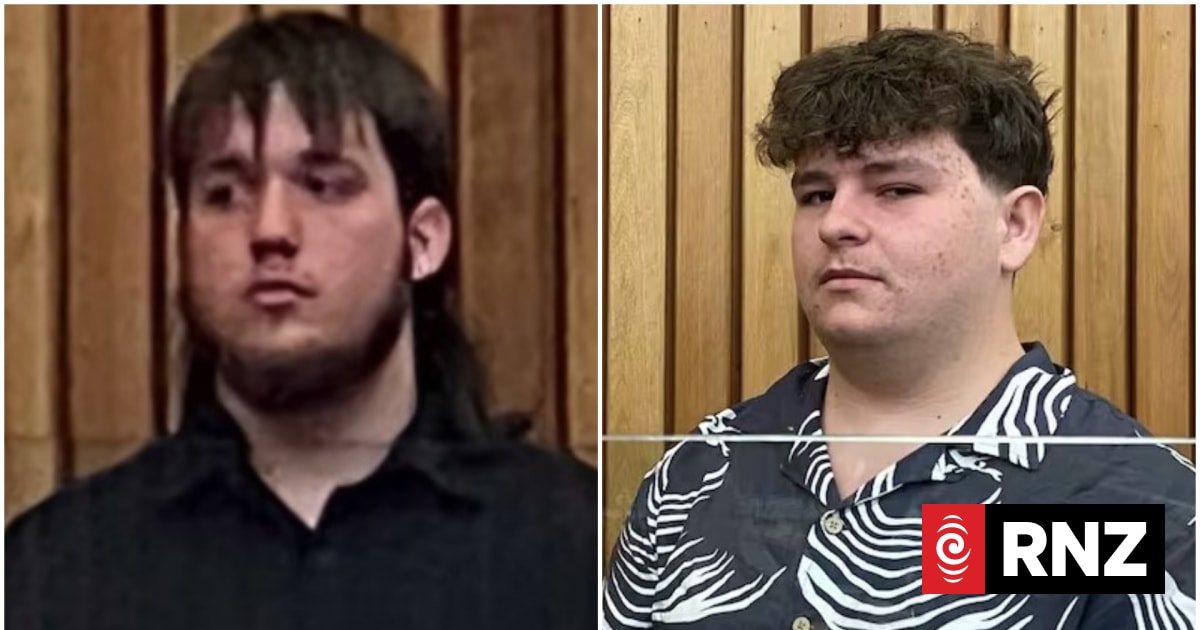
Grindr attackers Thomas Bull, Ethan Jeffs and Patrick Moloney sentenced in the Tauranga District Court
Court reporting on the sentencing of three men over Grindr-arranged assaults in Tauranga.
Read on RNZ / Open JusticeNew Zealand Police · 2 May 2022
No love lost on online dating scams
Police outline how online dating scams work and what to watch for.
Read on New Zealand PoliceeSafety Commissioner
Catfishing
Australian eSafety guidance on recognising and responding to catfishing.
Read on eSafety CommissionerCNA · 2 Jan 2026
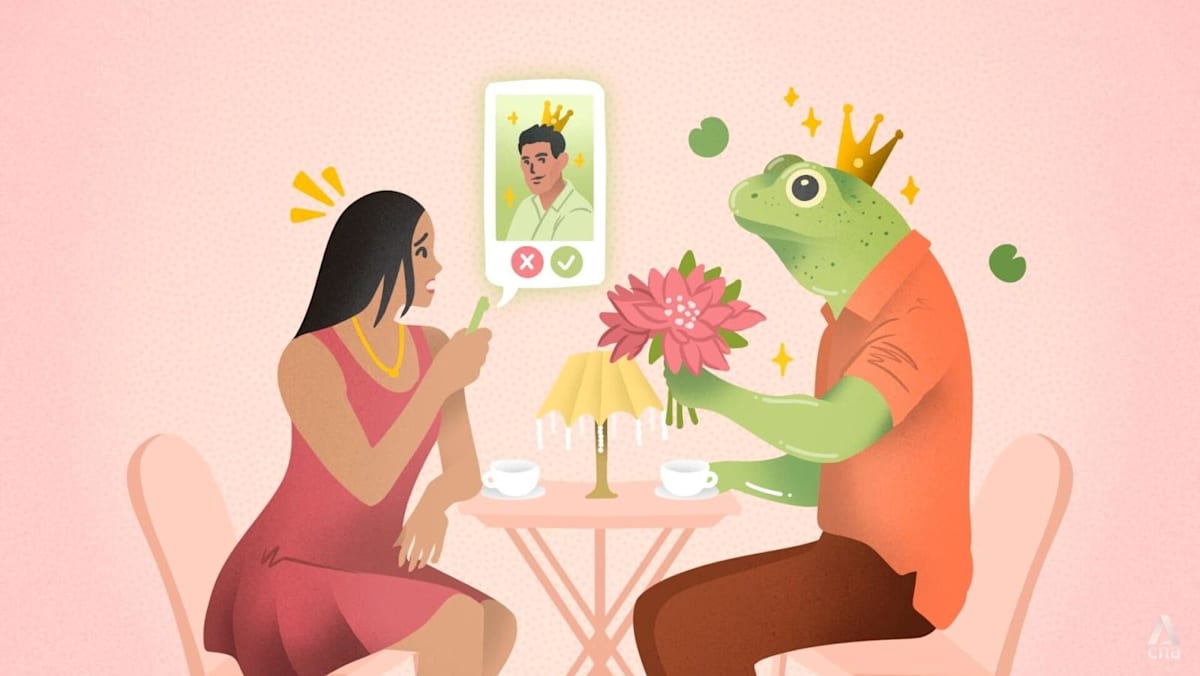
'Everyone feels scary': How catfishers are turning some singles off dating apps
Reporting on how fake profiles are eroding trust for people using dating apps.
Read on CNACBS News · 16 Feb 2024
She fell for a romance scam on Facebook. The man whose photo was used says it's happened before.
A romance scam victim and the man whose photos were stolen describe the same fake profile.
Read on CBS News